You've spent hours perfecting your resume, highlighting your skills, and tailoring your experience. Yet somehow, you're still not hearing back from employers. Sound familiar?
Here's the harsh truth: up to 75% of resumes are filtered out before they ever reach a human recruiter. The culprit? Applicant Tracking Systems (ATS) and AI-powered job filters that scan, parse, and rank your application in seconds.
But don't panic. Understanding why resumes fail these digital gatekeepers—and how to fix yours—can dramatically improve your interview chances. In this comprehensive guide, we'll break down the most common reasons for ATS rejection and show you exactly how to create an AI-optimized resume that gets results.
What Are AI Job Filters and ATS Systems?
An Applicant Tracking System (ATS) is software that companies use to collect, sort, scan, and rank job applications automatically. According to research, 99.7% of recruiters use filters in their ATS or similar systems to find qualified candidates.
These systems work by:
Scanning resumes for specific keywords related to the job description
Parsing your resume's structure and formatting
Ranking candidates based on how well they match job requirements
Filtering out applications that don't meet minimum criteria
Think of ATS as a digital bouncer that decides whether your resume gets into the club. Research indicates that 88% of employers report losing qualified candidates due to ATS filtering resumes that don't perfectly align with job description criteria—meaning even qualified candidates get rejected due to avoidable mistakes.
The 7 Biggest Reasons Your Resume Fails AI Job Filters
1. Missing Critical Keywords and Skills
The Problem: ATS systems rely heavily on keyword matching, meaning the software scans your resume for specific keywords. If it doesn't find the exact words it's looking for, the system flags your resume as not including the right skills.
The Fix:
Extract keywords directly from the job description
Include both the full term and acronym (e.g., "Search Engine Optimization (SEO)")
Place keywords naturally in your professional summary, skills section, and work experience
Match the exact phrasing used in the job posting
Pro Tip: Use an AI resume tool like Resumoid to automatically identify and integrate job-specific keywords that boost your ATS score.
2. Poor Resume Formatting That Confuses ATS
The Problem: ATS cannot properly read visual elements like graphics, tables, or unusual fonts. Fancy templates from design tools like Canva or Photoshop often cause parsing errors.
What to Avoid:
Multiple columns or text boxes
Headers and footers with important information
Graphics, images, or photos
Tables or complex layouts
Uncommon or decorative fonts
What to Use:
Simple, single-column format
Standard fonts (Arial, Calibri, Times New Roman)
Clear section headings ("Work Experience," "Education," "Skills")
.docx or text-based PDF formats
3. Using the Wrong File Format
The Problem: Some file formats like scanned PDFs or images can't be read by ATS systems, leading to automatic rejection.
The Fix:
Save your resume as .docx (most compatible)
Use text-based PDFs only if specifically requested
Never submit scanned PDFs, JPGs, or PNGs
Test your file by copying and pasting its content—if you can't select the text, neither can ATS
4. Inconsistent or Missing Date Formats
The Problem: Recruiters often filter candidates based on years of experience, and if your dates aren't formatted clearly, the ATS might not be able to interpret them.
The Fix:
Always include both month and year (e.g., "January 2025 - March 2025")
Use consistent date formatting throughout your resume
Don't use abbreviations like "Jan '20" or skip months entirely
Fill any employment gaps with explanations
5. Generic, Non-Tailored Content
The Problem: Recruiters expect to see a tailored resume explicitly highlighting why you are the right candidate for their job. If your resume contains generic information and unrelated experience, it will likely be rejected.
The Fix:
Customize your resume for each application
Prioritize relevant experience and skills
Mirror the language used in the job description
Remove unrelated skills or outdated positions that don't add value
6. Missing the Exact Job Title
The Problem: ATS looks for precise keywords related to the position, which almost always include the specific job title used in the job description. If your resume doesn't contain the exact wording of the job title, it will likely be rejected.
The Fix:
Include the exact job title from the posting in your resume summary
Use this template: "[Job Title] with [X] years of experience in [relevant skills]"
Example: "Digital Marketing Manager with 5 years of experience in SEO, content strategy, and lead generation"
7. Spelling Errors and Grammar Mistakes
The Problem: While ATS software focuses on keywords, formatting, and structure, once a recruiter opens your resume, spelling mistakes or poor grammar can immediately lead to rejection. According to a survey, 77% of hiring managers said they would reject a resume with any typos or grammatical errors.
The Fix:
Use spell-check tools
Read your resume out loud
Have someone else proofread it
Use resume optimization tools that catch errors automatically
How to Optimize Your Resume for AI Job Filters
Step 1: Analyze the Job Description
Start by carefully reading the job posting and highlighting:
Hard skills and technical requirements
Software and tools mentioned
Certifications and qualifications
Action verbs and industry terminology
Keywords that appear multiple times
Step 2: Incorporate Keywords Strategically
Don't just stuff keywords randomly. Place keywords naturally in your summary, skills section, and experience bullets, without keyword stuffing. Modern ATS systems use context-based parsing and can detect unnatural language.
Keyword Placement Strategy:
Resume Summary: 3-5 high-value keywords
Skills Section: 10-15 relevant hard skills and tools
Work Experience: Weave keywords into achievement-focused bullet points
Education/Certifications: Spell out degrees and certifications fully
Step 3: Use an AI Resume Optimization Tool
Rather than guessing, leverage technology to ensure your resume scores high with ATS systems. Resumoid uses AI to:
Analyze your resume against specific job descriptions
Calculate your ATS compatibility score
Identify missing keywords and skills gaps
Suggest improvements for better formatting
Generate optimized content that passes AI filters
Step 4: Test Your Resume
Before submitting, verify your resume's ATS compatibility:
Upload it to an ATS resume checker
Review your match score (aim for 75% or higher)
Check for formatting errors
Ensure all sections are properly parsed
Test readability by copying and pasting content
Step 5: Save and Submit Correctly
Follow application instructions exactly
Use the requested file naming convention
Submit in the specified format (.docx vs. PDF)
Include all required documents
Double-check before clicking "Apply"
Resume Keywords That Boost Your ATS Score
For Technical Roles:
Programming languages (Python, Java, JavaScript)
Development frameworks (React, Angular, Node.js)
Cloud platforms (AWS, Azure, Google Cloud)
DevOps tools (Docker, Kubernetes, Jenkins)
Agile methodologies (Scrum, Kanban)
For Marketing Roles:
Digital marketing channels (SEO, SEM, PPC, Email Marketing)
Analytics tools (Google Analytics, SEMrush, Ahrefs)
Content management (WordPress, HubSpot, Mailchimp)
Social media platforms (Facebook Ads, LinkedIn Ads, Instagram)
Campaign metrics (ROI, conversion rate, engagement rate)
For Business Roles:
Project management (Agile, Waterfall, Six Sigma)
Business analysis (Requirements gathering, stakeholder management)
Tools (MS Office, Salesforce, JIRA, Tableau)
Financial skills (Budgeting, forecasting, P&L management)
Leadership competencies (Team management, strategic planning)
Common Myths About ATS Systems
Myth 1: "ATS automatically rejects most resumes" Reality: Most resumes aren't rejected by ATS software—they're filtered out based on poor content or formatting. Well-written, tailored resumes with clean formatting pass through ATS systems just fine.
Myth 2: "Keyword stuffing guarantees success" Reality: Overuse looks spammy. Modern ATS uses context-based parsing, not raw keyword counts.
Myth 3: "You need to trick the system" Reality: Focus on creating a clear, well-organized resume that genuinely matches your qualifications to the job requirements. The goal isn't to game the system—it's to communicate effectively with both technology and humans.
Real-World ATS Horror Stories (And What We Can Learn)
The Angular vs. AngularJS Catastrophe
A tech lead created a fake identity and submitted his own resume, getting auto-rejected within seconds. The discovery? Their ATS was filtering for "AngularJS" while they actually needed "Angular"—two completely different frameworks.
Lesson: Use exact terminology from the job description. Don't assume synonyms or variations will work.
The Python Developer Who Disappeared
A software engineer had years of "Python development" experience but used terms like "scripting" and "automation" instead of the exact keyword "Python." The ATS didn't recognize the match, ranking them low.
Lesson: Include explicit skill names even when describing related work. Don't rely on implied knowledge.
Beyond ATS: Making Your Resume Human-Friendly Too
Remember, passing the ATS is just the first step. Once your resume reaches a recruiter, it needs to:
Tell a compelling career story
Quantify achievements with metrics
Demonstrate impact and results
Be easy to scan (recruiters spend 6-7 seconds on initial review)
Showcase personality and cultural fit
Use action verbs, focus on accomplishments over responsibilities, and make every word count.
Your Action Plan: Beat AI Job Filters Today
Audit your current resume - Check for formatting issues, missing keywords, and ATS compatibility
Research target jobs - Identify 5-10 job descriptions in your field and extract common keywords
Optimize your resume - Use Resumoid to get an instant ATS score and improvement suggestions
Test before applying - Run your resume through an ATS checker for each application
Track your results - Monitor response rates and refine your approach based on data
Final Thoughts: Don't Let Technology Stand Between You and Your Dream Job
The job market is competitive, but understanding how ATS and AI job filters work gives you a significant advantage. Most resume rejections aren't about your qualifications—they're about presentation, formatting, and keyword optimization.
The good news? These are all fixable problems.
By implementing the strategies in this guide and using smart tools like Resumoid, you can ensure your resume not only passes through AI filters but also impresses human recruiters.
Ready to transform your resume from invisible to irresistible? Start optimizing today and watch your interview rate soar.
About Resumoid
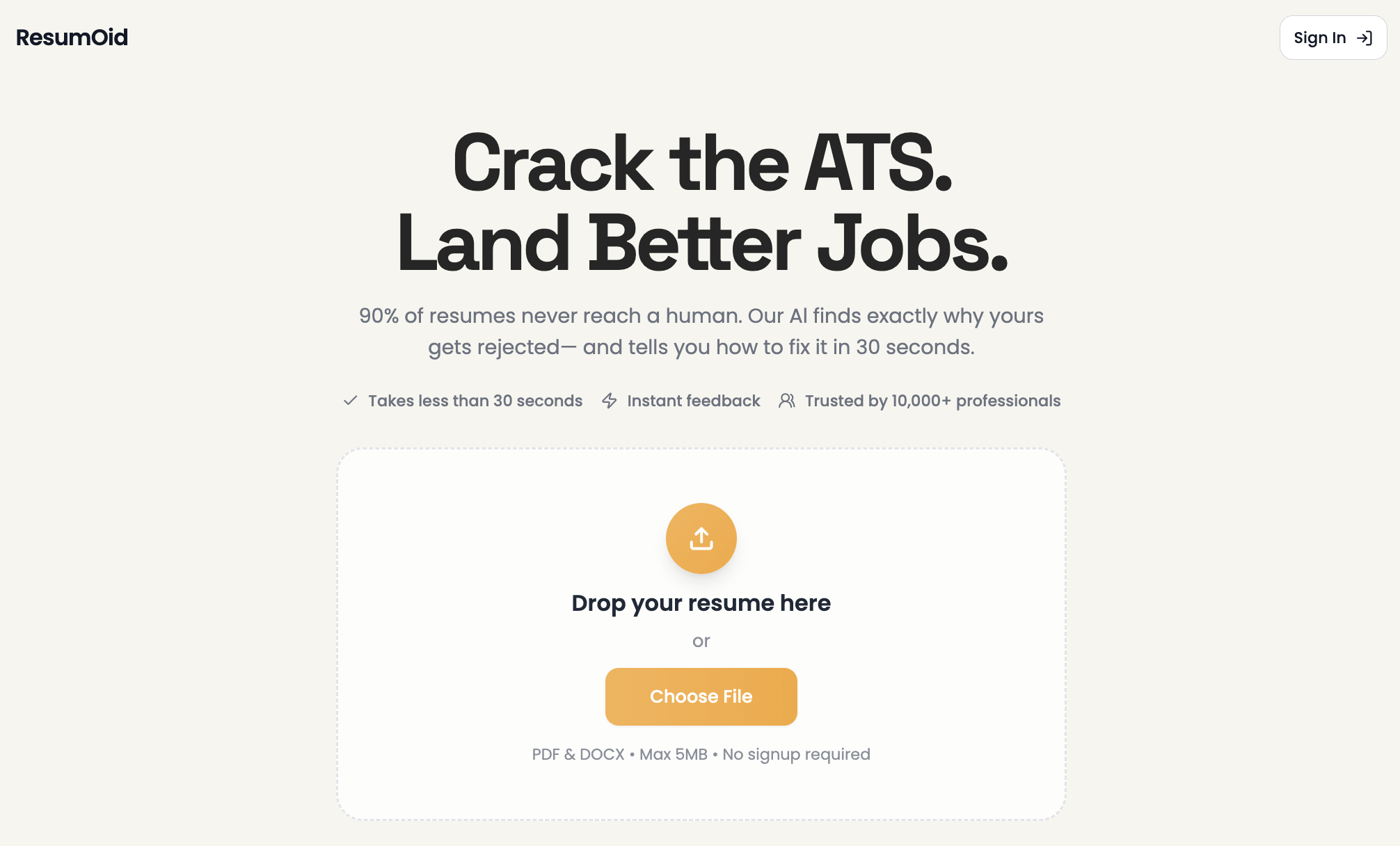
Resumoid is an AI-powered resume optimization tool that helps job seekers beat ATS systems and land more interviews. Get instant feedback on your ATS score, keyword optimization, and formatting—plus AI-generated improvements tailored to your target job. Try it free today and see the difference an optimized resume can make.