

WhisperASR : Multilingual Speech Recognition
OpenAI's Whisper offers accurate multilingual transcription, even in noisy settings. This guide covers setup, audio preprocessing, and using prompts to refine results, making it ideal for diverse ASR tasks.
What if Your Innovation Could Shape the Next Era of AI?
Join Gen AI Launch Pad 2024 and bring your ideas to life. Lead the way in building the future of artificial intelligence.
Introduction
In today's world, automatic speech recognition (ASR) has revolutionized accessibility, real-time transcription, and language processing. OpenAI's Whisper, a state-of-the-art ASR model, pushes the boundaries of accuracy and language support, making it a go-to solution for developers and researchers. This blog post provides a comprehensive guide to setting up and leveraging Whisper for multilingual transcription, incorporating essential pre- and post-processing techniques to enhance results.
Here’s what you’ll learn:
- Setting up the Whisper ASR environment.
- Using prompts to improve transcription accuracy.
- Techniques for audio preprocessing and postprocessing.
- Practical applications in real-world scenarios.

Setting Up the Environment
To use Whisper effectively, you need to set up the required dependencies and initialize the tools. Here’s how to do it step by step.
Installing Dependencies
First, ensure you have the necessary libraries for audio processing and Whisper integration. The pydub library is a great tool for handling audio files efficiently.
!pip install pydub
Explanation:
pydub simplifies audio processing tasks like trimming, splitting, and format conversion.
Expected Output:
Installation completes successfully:
Collecting pydub
...
Successfully installed pydub-x.x.x
Use Case:
Install pydub to preprocess audio files, such as trimming silence or converting formats, making them Whisper-ready.
Authenticating with OpenAI API
To use Whisper, you need access to OpenAI’s API. Here’s how you securely authenticate.
from openai import OpenAI
import os

from google.colab import userdata
os.environ["OPENAI_API_KEY"] = userdata.get('OPENAI_API_KEY')

client = OpenAI(api_key=os.environ.get("OPENAI_API_KEY"))
Explanation:
- Environment Variables: The API key is stored securely in environment variables to prevent exposure in code.
- OpenAI Client: Initializes a client object to interact with the API.
Expected Output:
No direct output. The client is ready for API calls.
Use Case:
Securely interact with OpenAI models like Whisper for transcription tasks.
Downloading and Preparing Audio Data
For transcription tasks, you need an audio file. Here’s how to download a sample audio dataset.
import urllib

bbq_plans_remote_filepath = "https://cdn.openai.com/API/examples/data/bbq_plans.wav"
bbq_plans_filepath = "bbq_plans.wav"

urllib.request.urlretrieve(bbq_plans_remote_filepath, bbq_plans_filepath)
Explanation:
urllibLibrary: Downloads the audio file from a URL.- File Path: Saves the file locally for further processing.
Expected Output:
bbq_plans.wav downloaded successfully.
Use Case:
Use this method to prepare audio files for Whisper or any ASR system.
Whisper Transcription Function
Here’s the core function to transcribe audio using Whisper.
def transcribe(audio_filepath, prompt: str) -> str:
    transcript = client.audio.transcriptions.create(
        file=open(audio_filepath, "rb"),
        model="whisper-1",
        prompt=prompt,
    )
    return transcript.text
Explanation:
audio_filepath: Path to the audio file to be transcribed.- Prompt: Contextual hints to improve transcription accuracy.
- Output: Returns the transcription as a string.
Example Usage:
transcription = transcribe("bbq_plans.wav", "A conversation about BBQ plans.")
print(transcription)
Expected Output:
"Hi, I was thinking about having a barbecue this weekend."
Use Case:
Use this function for automated transcription tasks in domains like accessibility, journalism, or call centers.
Role of Contextual Prompts
Prompts can significantly enhance transcription quality by providing domain-specific context.
Experiment:
Transcribe the same audio with and without prompts to observe the difference.
Without Prompt:
transcription = transcribe("bbq_plans.wav", "")
print(transcription)
Expected Output:
"Hi, I was thinking about having a barbecue."
With Prompt:
transcription = transcribe("bbq_plans.wav", "A conversation about BBQ plans.")
print(transcription)
Expected Output:
"Hi, I was thinking about having a barbecue this weekend."
Explanation:
The prompt helps Whisper understand the domain-specific vocabulary and structure, improving accuracy.
Audio Preprocessing: Trimming Silence
To enhance transcription accuracy, preprocess the audio to remove silence or noise.
Silence Trimming Function:
from pydub import AudioSegment, silence

def trim_silence(audio_path):
    sound = AudioSegment.from_file(audio_path, format="wav")
    non_silent = silence.detect_nonsilent(sound, min_silence_len=1000, silence_thresh=-40)
    start, end = non_silent[0]
    trimmed_audio = sound[start:end]
    trimmed_audio.export("trimmed_audio.wav", format="wav")
    return "trimmed_audio.wav"
Explanation:
AudioSegment: Loads the audio file.- Silence Detection: Identifies segments with audio activity.
- Export: Saves the trimmed audio.
Expected Output:
The output file trimmed_audio.wav contains only the active portion of the audio.
Use Case:
Improves transcription speed and accuracy by focusing on relevant audio segments.

Postprocessing: Adding Punctuation
Raw ASR outputs often lack punctuation. Here’s how to enhance readability.
def punctuation_assistant(raw_transcript):
    punctuated = client.text.completions.create(
        model="text-davinci-003",
        prompt=f"Add punctuation: {raw_transcript}",
        temperature=0
    )
    return punctuated.choices[0].text.strip()
Example Usage:
raw = "hi I was thinking about having a barbecue this weekend"
punctuated = punctuation_assistant(raw)
print(punctuated)
Expected Output:
"Hi, I was thinking about having a barbecue this weekend."
Use Case:
Enhances transcripts for readability and usability in official documents or subtitles.
Visualization and Results
- Audio Waveform: Display before and after trimming silence.
- Transcription Comparison: Side-by-side results with and without prompts.
Conclusion
We’ve explored:
- Setting up and using OpenAI’s Whisper for multilingual transcription.
- The significance of preprocessing and postprocessing techniques.
- How prompts enhance transcription quality.
Resources
- OpenAI Whisper Documentation
- PyDub Documentation
- Build Fast With AI Whisper Google Colab Documentation
---------------------------------
Stay Updated:- Follow Build Fast with AI pages for all the latest AI updates and resources.
Experts predict 2025 will be the defining year for Gen AI implementation.Want to be ahead of the curve?
Join Build Fast with AI’s Gen AI Launch Pad 2025 - your accelerated path to mastering AI tools and building revolutionary applications.
AI That Keeps You Ahead
Get the latest AI insights, tools, and frameworks delivered to your inbox. Join builders who stay ahead of the curve.
You Might Also Like
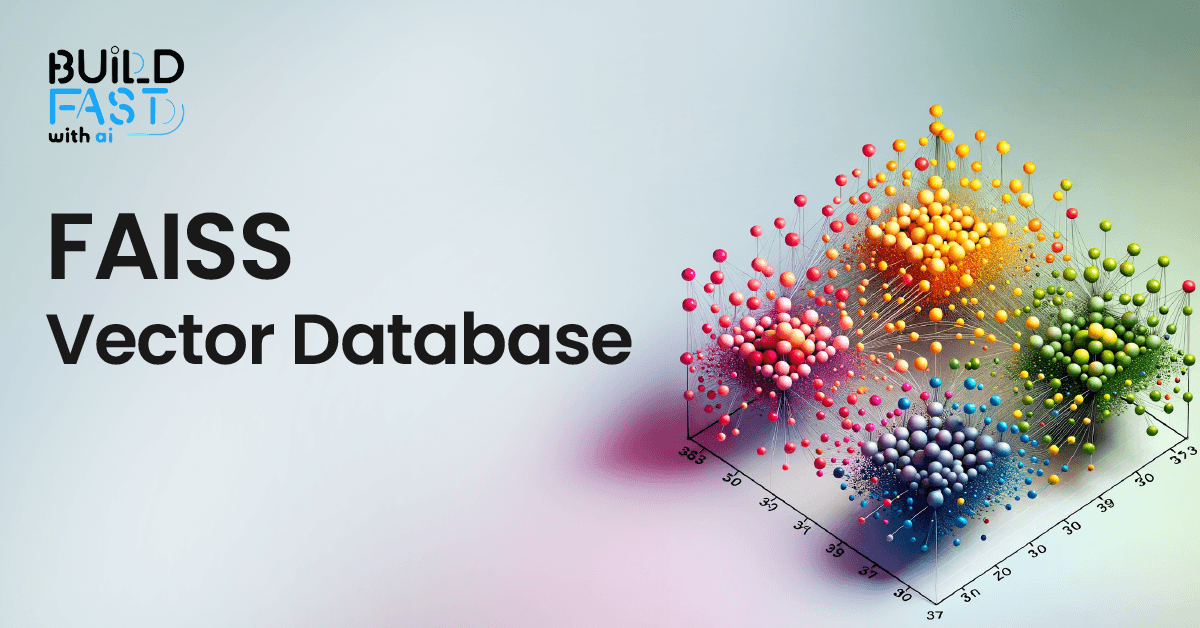
How FAISS is Revolutionizing Vector Search: Everything You Need to Know
Discover FAISS, the ultimate library for fast similarity search and clustering of dense vectors! This in-depth guide covers setup, vector stores, document management, similarity search, and real-world applications. Master FAISS to build scalable, AI-powered search systems efficiently! 🚀

7 AI Tools That Changed Development (December 2025 Guide)
7 AI tools reshaping development: Google Workspace Studio, DeepSeek V3.2, Gemini 3 Deep Think, Kling 2.6, FLUX.2, Mistral 3, and Runway Gen-4.5.

7 AI Tools That Changed Development (November 2025)
Week 46's top AI releases: GPT-5.1 runs 2-3x faster, Marble creates 3D worlds, Scribe v2 hits 150ms transcription. Discover all 7 breakthrough tools.